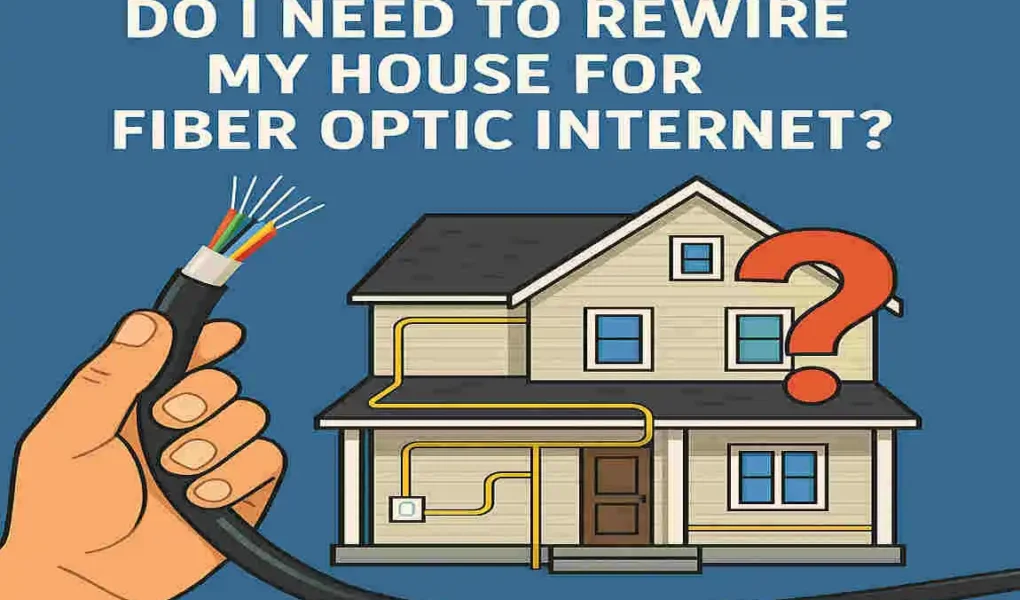
You don’t need to rewire your entire house to get fiber optic internet. The main installation work involves running the fiber optic cable from the street to a device called the Optical Network Terminal (ONT), which is installed inside or outside your home. From the ONT, your existing home wiring—whether Ethernet cables or coaxial cables—can be used to distribute the internet signal throughout your house. If you primarily use home wireless internet, the ONT connects to a router that broadcasts Wi-Fi, so no rewiring is needed. Rewiring might only be necessary if your current wiring is outdated, damaged, or unable to handle high-speed fiber connections. Overall, most homes do not require rewiring for fiber optic internet installation, making it an accessible upgrade.
What is Fiber Optic Internet?
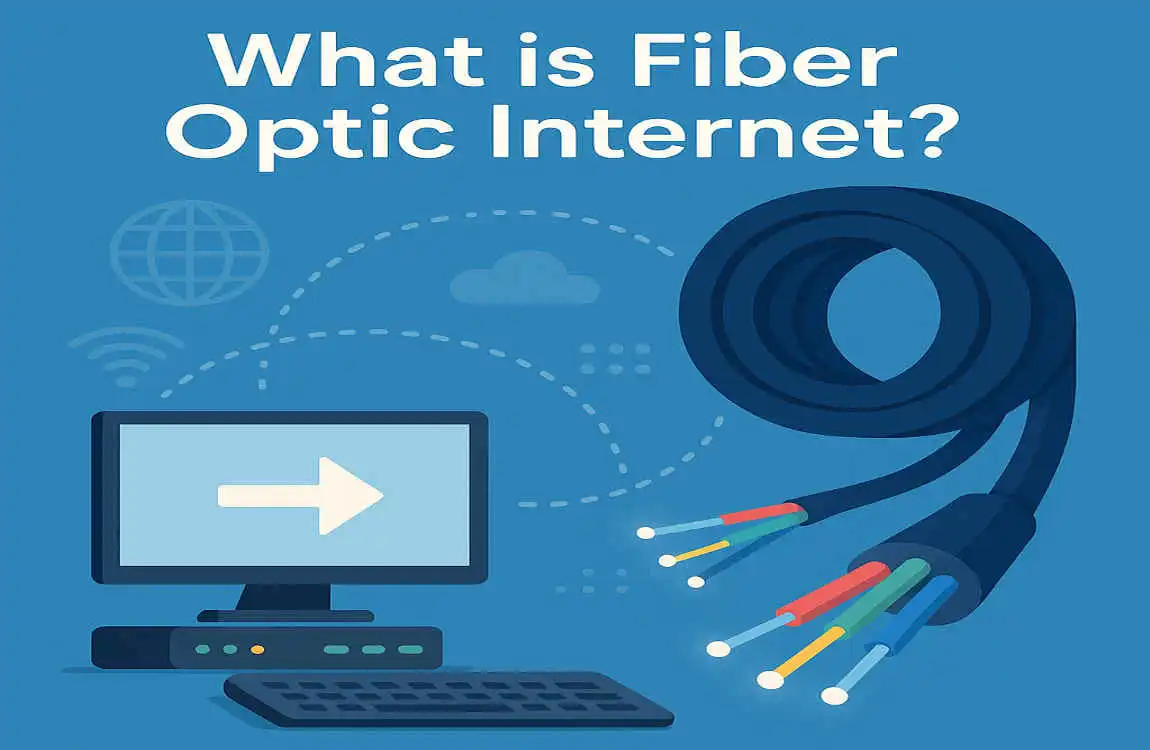
Fiber optic internet is a cutting-edge technology that uses thin strands of glass or plastic to transmit data as pulses of light. This method allows for high-speed and reliable connections, far surpassing traditional copper wiring.
The core of fiber optics consists of these tiny fibers bundled together, which can carry vast amounts of information over long distances without significant loss in quality. Unlike older technologies that rely on electrical signals, fiber optics offers lower latency and higher bandwidth.
This means faster downloads, smoother streaming experiences, and seamless online gaming. As more households demand high-speed internet for multiple devices simultaneously, fiber optic networks are becoming essential infrastructure in the digital age. Whether you’re working from home or enjoying your favorite shows, this technology ensures your connection remains strong and stable.
Benefits of Fiber Optic Internet
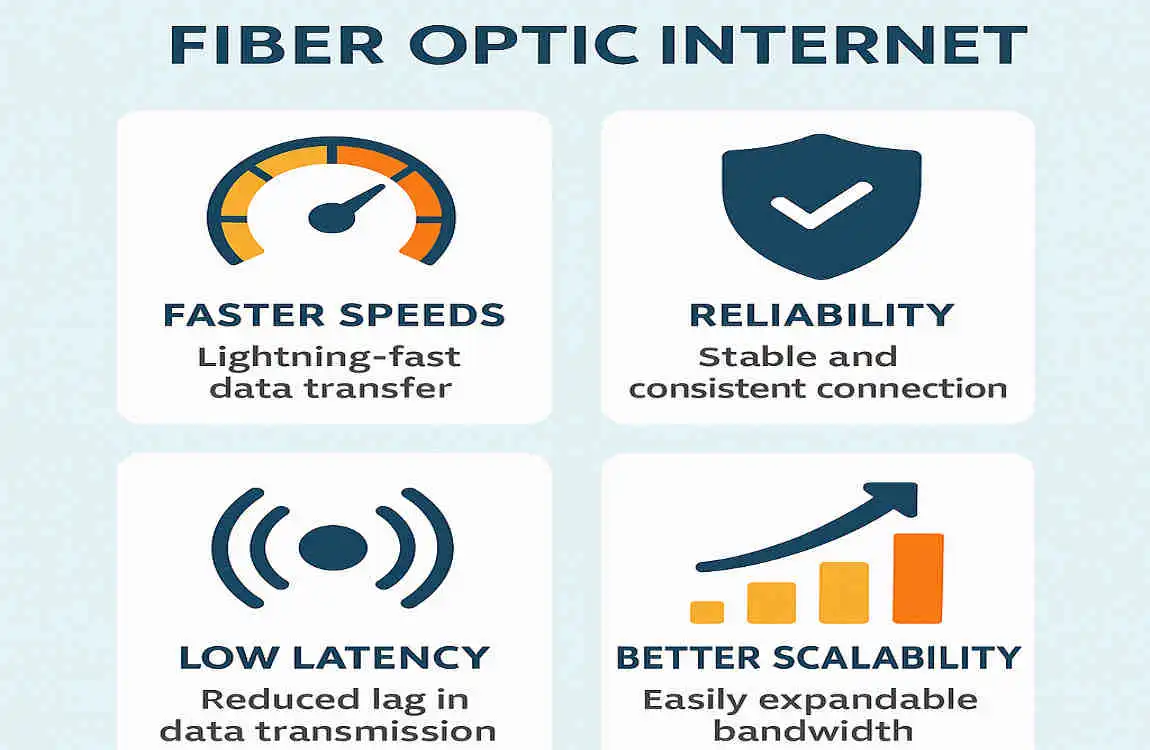
Fiber optic internet offers lightning-fast speeds that can dramatically enhance your online experience. With download and upload speeds often reaching up to 1 Gbps, it’s perfect for streaming high-definition content or gaming without lag.
Reliability is another standout feature. Fiber optics is less susceptible to interference from electrical signals, ensuring a stable connection even during peak usage times. This means fewer disruptions when you’re working from home or enjoying your favorite shows.
Fiber optic technology boasts impressive longevity compared to traditional copper wiring. This durability translates into lower maintenance costs and fewer upgrades over time—making it a future-proof choice for many households.
When to Consider Rewiring for Fiber Optic Internet
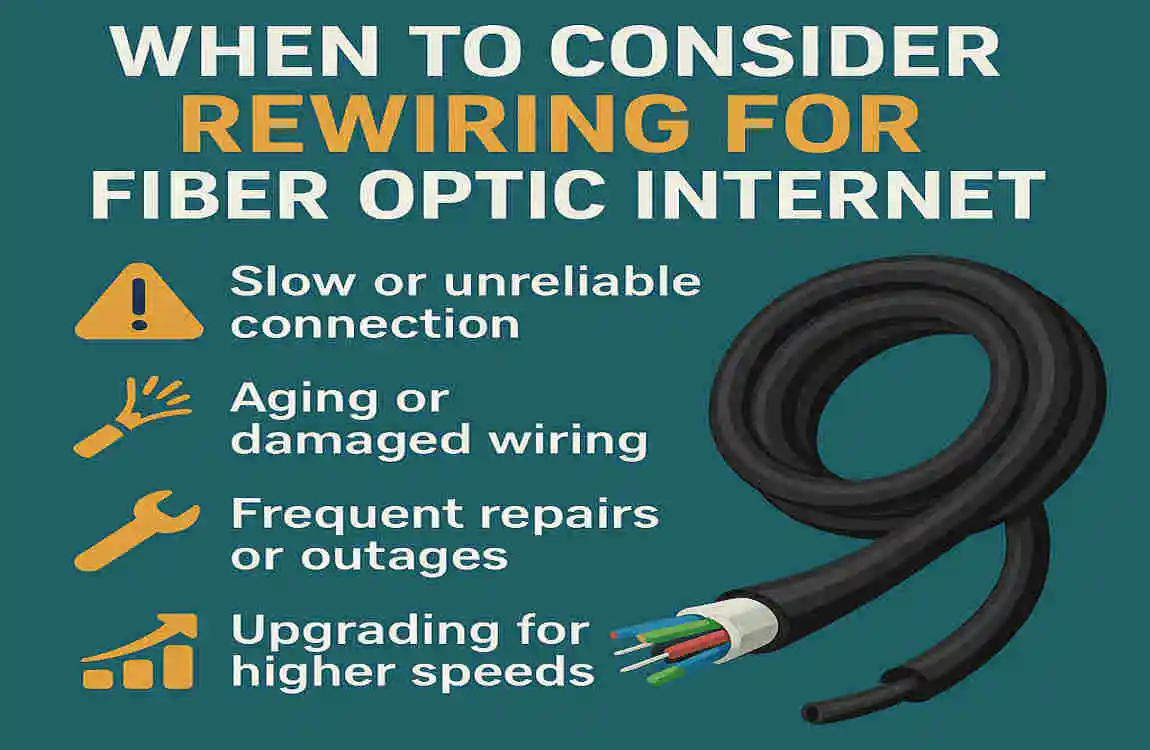
Rewiring for fiber optic internet is a significant decision that requires careful consideration. If you’re experiencing slow connections or frequent interruptions, it might be time to assess your current wiring.
Older homes often have outdated electrical systems that may not support the high speeds of fiber optics. If your home was built before the 2000s, this could be a red flag.
Another indicator is if you’re planning major renovations. This is an excellent opportunity to upgrade your infrastructure without disrupting daily life too much.
If you’ve recently moved into a new place and are unsure about its wiring compatibility, consider consulting with a professional. They can help determine whether rewiring will significantly enhance your internet experience.
If multiple users in your household rely on heavy data usage—like streaming or gaming—it’s wise to evaluate how well your system handles such demands before making any changes.
Steps to Rewire a House for Fiber Optic Internet
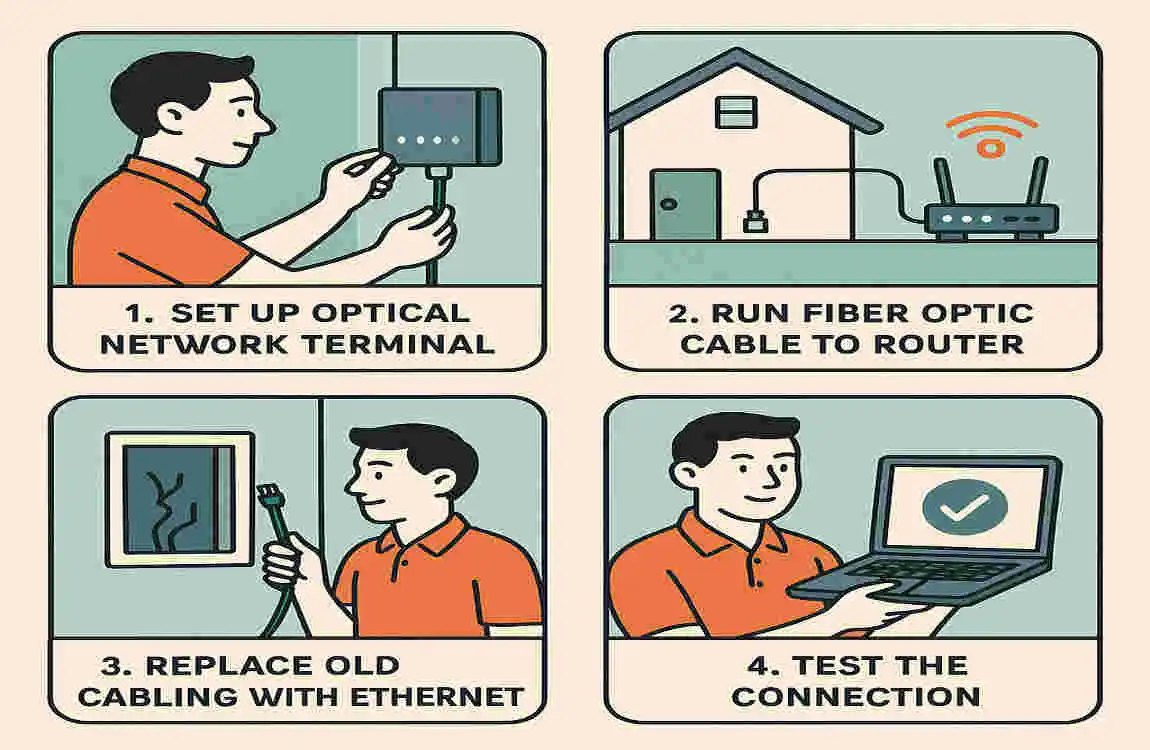
Rewiring your house for fiber optic internet involves several key steps. First, assess your current wiring system. Identify locations where you’d like to install the new fiber lines.
Next, gather necessary tools and materials. You’ll need fiber cables, connectors, a splice tray, and protective tubing.
After that, create a layout plan for cable runs. Consider factors like ease of access and aesthetics while minimizing interference with existing structures.
Once you have a plan in place, it’s time to begin installation. Carefully run the fiber optic cables through walls or ceilings using conduit if needed.
Make sure connections are secure at both ends—this is crucial to maintaining signal strength.
If you’re not comfortable with any part of this process, consider hiring professionals who specialize in network installations to ensure everything is done correctly and efficiently.
Cost of Rewiring and Potential Savings
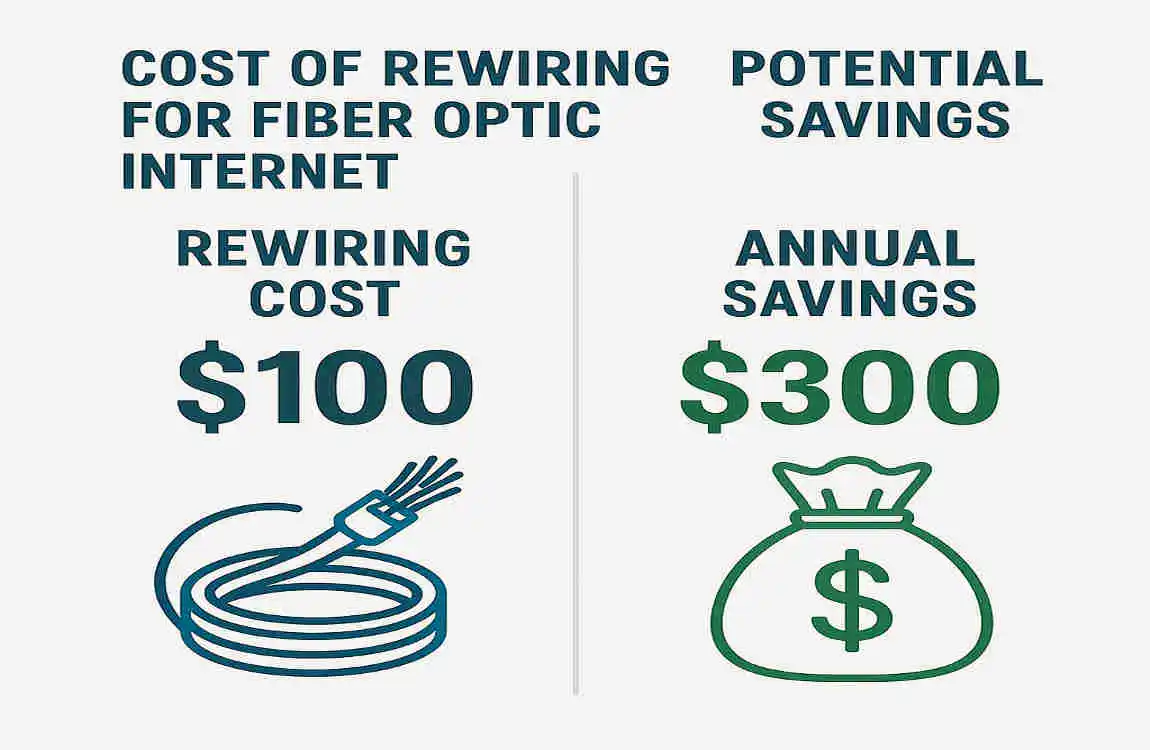
Rewiring your house for fiber optic internet can involve significant costs. On average, homeowners pay between $1,500 and $3,000, depending on the size of their home and the complexity of the installation. This investment ensures you receive top-notch connectivity.
While the initial cost may seem daunting, consider potential savings in the long run. With faster speeds and improved bandwidth capacity, you could reduce expenses related to multiple subscriptions or slow service upgrades.
Don’t forget about increased property value, too. Homes equipped with modern wiring are more appealing to buyers who prioritize high-speed internet access—making it a worthwhile project if you’re considering selling down the line.
Alternatives to Rewiring Your House
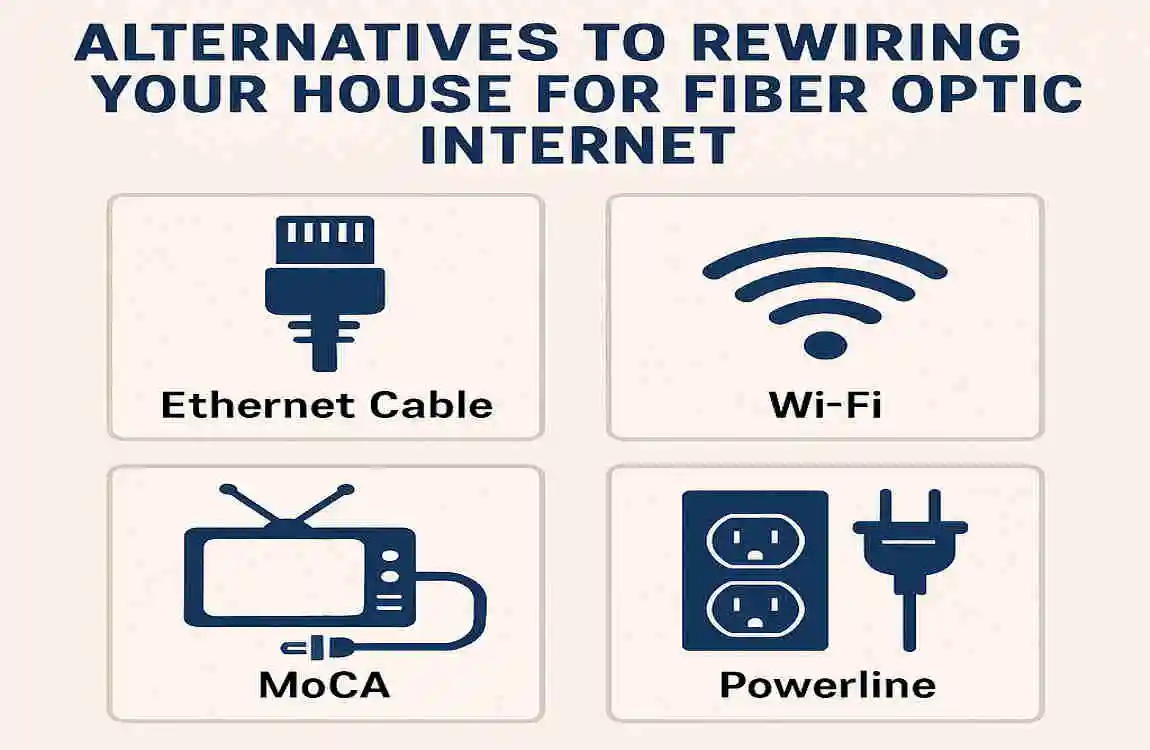
If rewiring seems daunting, consider alternatives for accessing fiber optic internet.
One option is using a fiber-to-the-home (FTTH) service that installs equipment at your premises without extensive cabling. This technology can often deliver high-speed connections through existing pathways.
Another alternative involves wireless solutions like fixed wireless access. With this setup, you can enjoy fast internet speeds via radio signals from nearby towers or antennas.
Powerline adapters provide another creative solution by utilizing your home’s electrical wiring to transmit data. They can help extend the network range effectively.
Mesh Wi-Fi systems offer seamless coverage throughout your home without needing additional wiring. These devices work together to blanket large areas with a strong signal strength and reduce dead spots.
Do I Need to Rewire My House for Fiber Optic Internet FAQ
In most cases, rewiring your house is not necessary to install fiber optic internet. Fiber optic installation is designed to integrate with your existing home network infrastructure, and internet service providers (ISPs) typically handle the setup to ensure compatibility. However, there are some factors to consider depending on your home’s current wiring and setup.
When Rewiring Is Not Necessary
- Existing Coaxial or Ethernet Wiring:
- If your home already has coaxial cables or Ethernet wiring (Cat 5e, Cat 6, or higher), these can often be used to distribute the fiber optic connection throughout your home. Fiber optic cables are typically run to an Optical Network Terminal (ONT), which converts the fiber signal into a format compatible with your existing wiring .
- Provider-Handled Installation:
- ISPs usually bring all the necessary equipment, including the ONT, and install the fiber optic cable to your home. They may use existing conduits or wiring paths, so you don’t need to rewire .
- Fiber to the Home (FTTH):
- In FTTH setups, the fiber optic cable is run to a central point in your home, and from there, the signal is distributed using Ethernet cables. This eliminates the need for rewiring in most cases .
When Rewiring Might Be Necessary
- Old or Incompatible Wiring:
- If your home has outdated wiring (e.g., old coaxial cables or no Ethernet wiring), rewiring may be required to fully utilize the high speeds of fiber optic internet .
- Custom Installations:
- If you want fiber optic cables run directly to specific rooms or devices, rewiring may be necessary. However, this is uncommon for most residential setups because Ethernet cables (Cat 6 or Cat 7) are typically used for internal connections .
- Poor Existing Infrastructure:
- Homes with poor wiring infrastructure or no existing conduits may require some rewiring to accommodate the fiber optic installation .
Alternative Solutions
- Media Converters:
- If you want to avoid rewiring, media converters can be used to adapt fiber optic connections to Ethernet or other formats compatible with your devices .
- Wi-Fi Distribution:
- Many homes rely on Wi-Fi to distribute the fiber optic connection, reducing the need for extensive internal wiring.