
It is 6:40 a.m., the siren is screaming, your dog is panicking, and your neighbours are probably wondering what on earth is going on. Almost every homeowner with a security system has been there at least once. The good news is that switching a house alarm off is usually a matter of seconds, as long as you know which method your system uses and stay calm.
First, Check Whether It Is a Real Alarm
Before you tap a single button, take two seconds to think. Did you just walk in through the front door and forget to disarm the system? Did a pet, a balloon or a gust of wind set off a motion sensor? Or is there a chance someone else is inside?
If anything looks wrong, such as a broken window, an open door you did not open or unfamiliar noises, leave the property and call the emergency services from a safe place. Security experts at Security.org put it simply: make sure it is safe and no break-in is happening before you enter your code.
Method 1: Turn the Alarm Off With Your Keypad Code
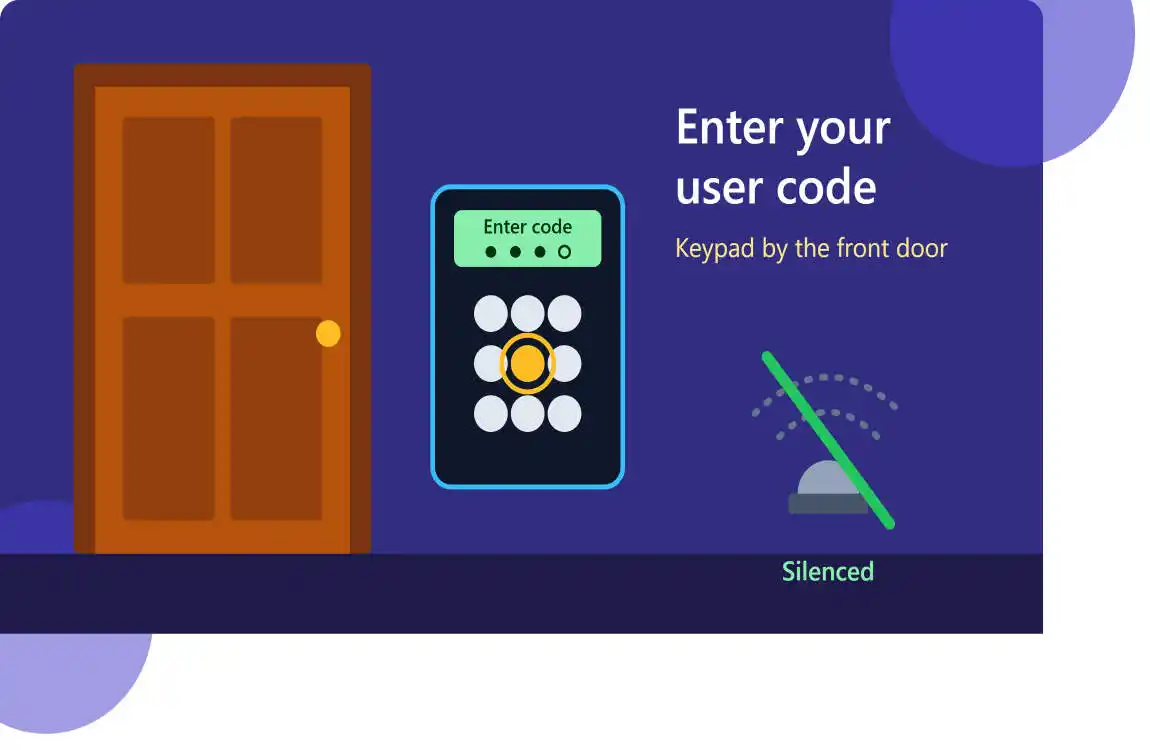
This is the fastest and most common fix. Your keypad is usually mounted near the main entrance, and the steps are almost identical across brands.
- Go straight to the keypad. Most systems give you an entry delay, which is a short countdown to disarm before the siren sounds. Depending on the brand and settings this window is often somewhere between 20 and 45 seconds.
- Enter your user code. This is normally a four-digit PIN, though some systems use six digits.
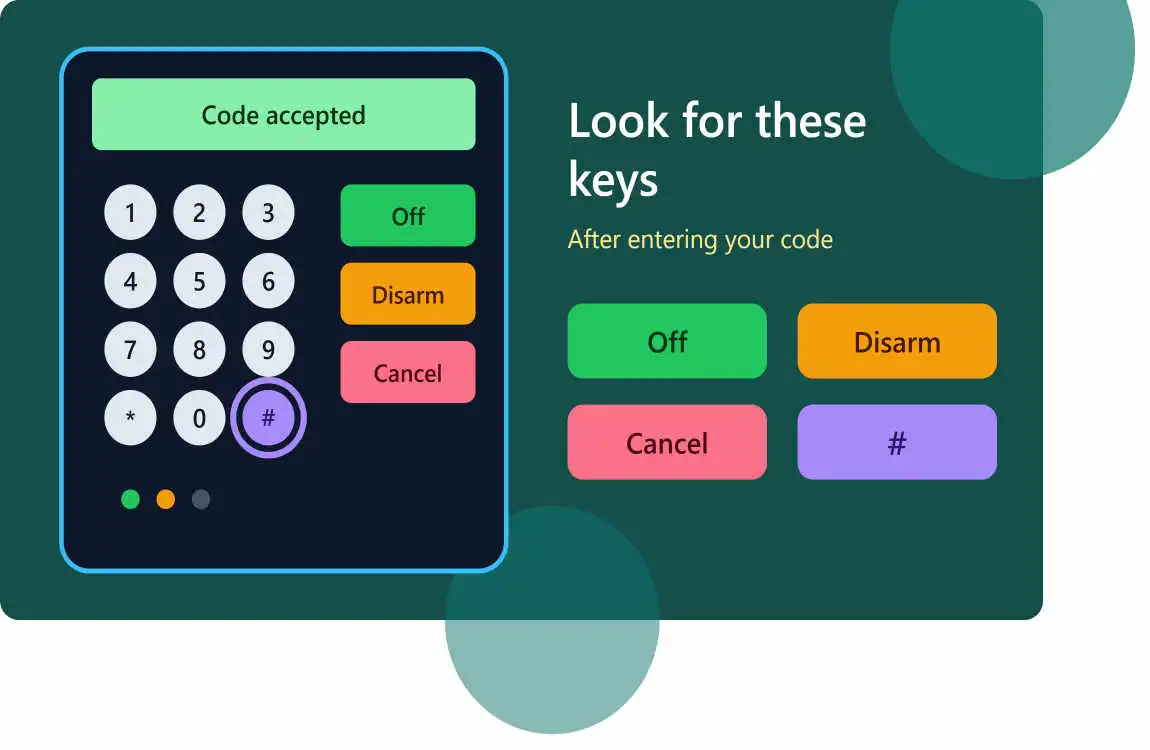
- Press the disarm key. Depending on your panel it may be labelled OFF, DISARM, CANCEL or simply #. On many ADT-style keypads you press OFF and then enter the code, or enter the code and then press OFF.
- Look for the confirmation. The keypad usually beeps once, the armed light goes out, and the siren stops.
If you hit the wrong number, most panels let you clear the entry and start again, so there is no need to panic. If you pass the entry delay and the siren has started, entering a valid code will normally silence it as well. ADT’s own guidance for its panels explains that you can disarm by entering your security code and pressing cancel within the delay period.
Method 2: Turn the Alarm Off With Your Phone App
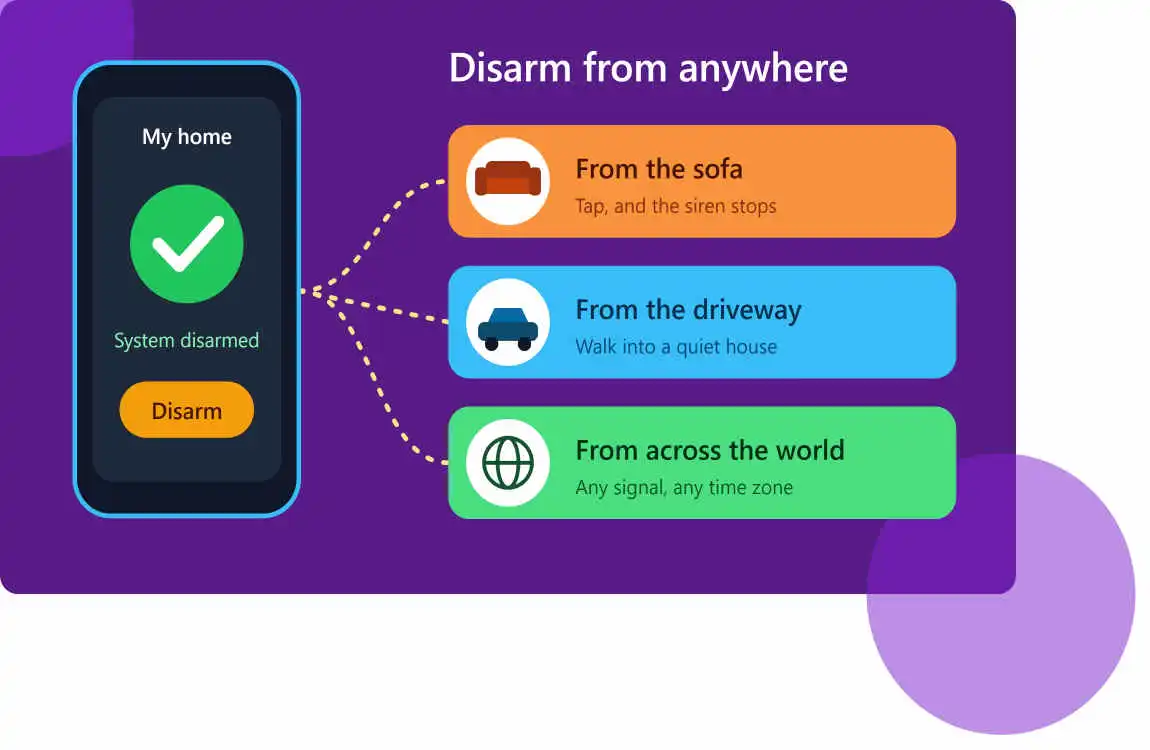
Modern smart systems from ADT, Ring, SimpliSafe, Vivint, Alarm.com and others let you disarm from anywhere. Open your security app, find the Disarm or Off button on the main screen and tap it. Some apps even show a red alert screen and ask, “Is this a false alarm?” Choosing yes cancels the siren and sends an abort message to the monitoring centre, as described in DMP’s Virtual Keypad quick guide.
One important caution from ADT’s app documentation: cancelling the alarm does not necessarily stop it from being reported to the monitoring station. If your system is professionally monitored, always follow up with a call.
Method 3: Use a Key Fob or Remote
If your system came with a small remote, usually a keychain-sized fob, you can press the unlock or disarm button as you approach the door. This is especially handy if you arrive with your hands full. Keep a spare fob somewhere safe, and replace its coin-cell battery once a year so it does not fail on the day you need it.
What to Do If Your Code Does Not Work
A siren that will not stop and a keypad that rejects your code is stressful, but the cause is usually simple.
- Check you are entering the right code. Many people confuse their arm/disarm user code with the monitoring passcode, which is the verbal password you give the operator on the phone. Blue by ADT explains that a user code is the four-digit PIN used to arm and disarm, while the monitoring passcode is something different.
- Try again slowly. A mistyped digit is the number one reason a code fails. Many panels let you clear the entry with a button such as before trying again.
- Ask another household member. They may have a separate user code that works, or the app may already be signed in on their phone.
- Check the power and batteries. A low backup battery, a power cut or a faulty transformer can make a panel beep or behave strangely. Security.org lists changing the batteries, checking the transformer and checking the phone line connection among the first things to try.
- Call your alarm company. If you are monitored, the operator can verify your identity, cancel the dispatch and often help you reset your code. Have your verbal passcode ready.
If you have forgotten the code entirely, avoid ripping out wires or hacking the panel. That can trigger tamper alerts, leave your home unprotected and even void your warranty. A quick call to the installer or provider is almost always the safest route.
Cancel the Dispatch: Do Not Skip This Step
Silencing the siren is only half the job. If your system is monitored, the centre may already be calling you. For example, Blue by ADT’s manual says that if you do not enter a user code within 30 seconds, the monitoring centre will call the primary contact, who can cancel the alarm by giving the correct passcode. ADT also advises that in the event of a false alarm you should call immediately to tell the monitoring agent so police, fire or EMS are not dispatched unnecessarily.
Answer the phone, give your passcode, and confirm that everything is fine. It takes a minute and may save you a fine.
Why False Alarms Matter More Than You Think
False alarms are not just annoying. According to the U.S. Department of Justice’s justice research library, between 94 and 98 percent of police alarm calls are false. Because of that, many cities now charge fees after a set number of false activations per year, and some may reduce or even suspend police response to protect properties with repeated false alarms.
The fines vary by city, so check your local ordinance. The simplest way to protect your wallet is to prevent the false alarms in the first place.
How to Stop False Alarms From Happening Again
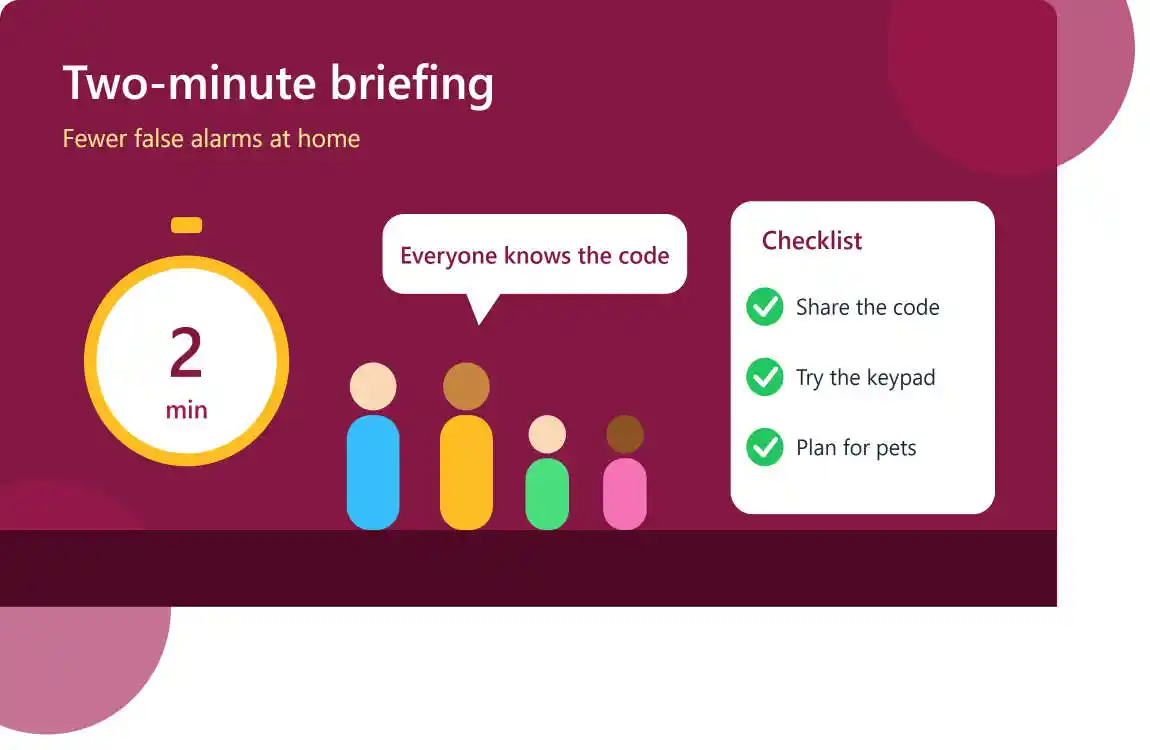
- Make sure every family member knows the code and how the entry delay works.
- Teach visitors and cleaners or give them their own temporary user code.
- Adjust pet settings. Pet-immune motion sensors prevent many 3 a.m. surprises.
- Close and lock windows and doors fully before you arm the system, because a door that is slightly ajar is a classic false alarm trigger.
- Replace sensor and panel batteries before they run low. A chirping panel is usually asking for new batteries.
- Test your system regularly by putting it in test mode with your provider, so you can check it without triggering a response.
- Keep your contact list current so the monitoring centre can reach someone quickly.
Frequently Asked Questions
How do I turn off a house alarm without the code?
The safest way is to contact your alarm provider, verify your identity and ask them to cancel the alarm or reset your code. Systems are designed so that nobody can casually bypass them, and that is a feature, not a bug.
How long do I have to turn the alarm off after I walk in?
It depends on your system and how it was programmed. Entry delays commonly run from around 20 to 45 seconds, so check your user manual or ask your installer.
Why is my alarm beeping but not sounding the siren?
Short repeated beeps normally mean a trouble condition, such as a low battery, an open sensor or a power problem. They are different from a full alarm siren, and the fix is usually to replace a battery or close a door or window.
Can I turn my alarm off from my phone?
Yes, if your system supports a mobile app and you have set it up. Disarm from the app, then check with your monitoring company if a dispatch may already have started.
Does turning off the alarm cancel the police response?
Not always. On monitored systems the signal may already have reached the centre. Call your provider straight away to confirm the alarm was false.
Final Thoughts
Knowing how to turn a house alarm off is one of those small skills that pays off the one time you really need it. Learn your keypad, set up the app, keep your fob charged, memorise your codes and save your provider’s phone number in your contacts. Do that, and the next time the siren sounds you will be silencing it in seconds instead of panicking in your pyjamas.