
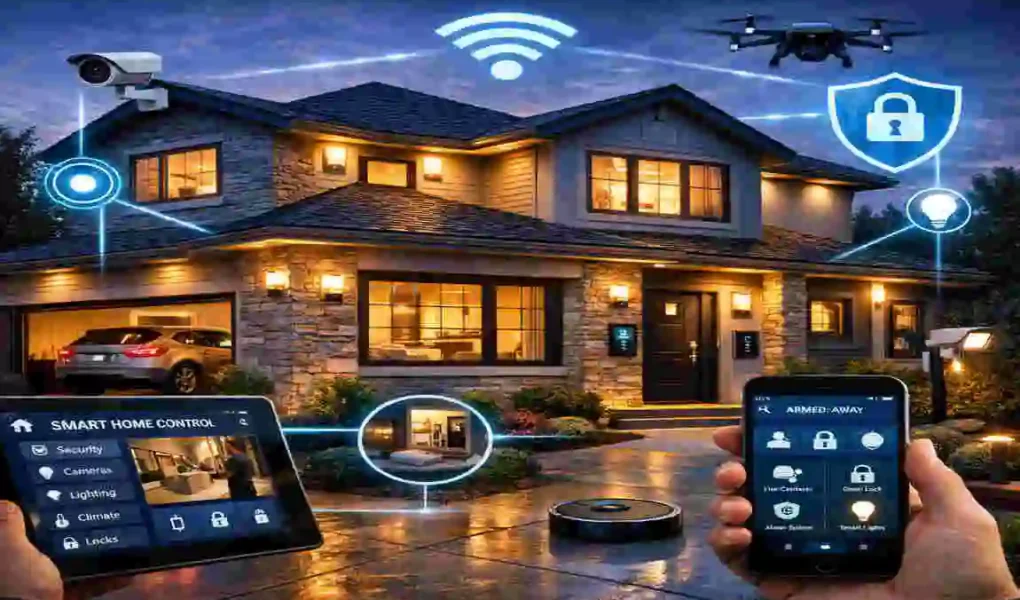
Imagine waking up to a house that already knows what you need before your feet even touch the floor. The morning sun gently peeks through your bedroom window as your smart blinds open automatically. Your thermostat has already warmed up the living room, and the rich smell of freshly brewed coffee wafts from the kitchen.
Today, the true magic of a smart home lies in seamlessly integrating home automation and security. When you combine convenience with safety, you create an environment that anticipates your needs while protecting your family. It is the ultimate upgrade for your peace of mind.
The numbers speak for themselves. According to recent 2026 trends, we are seeing a massive 40% rise in smart home adoption worldwide. People are no longer buying just one smart speaker or a single camera. They are looking for complete, unified systems. Furthermore, homeowners are seeing up to a 30% reduction in their energy bills just by letting their houses manage their own power consumption.
The Rise of Smart Homes: Automation Meets Ironclad Security
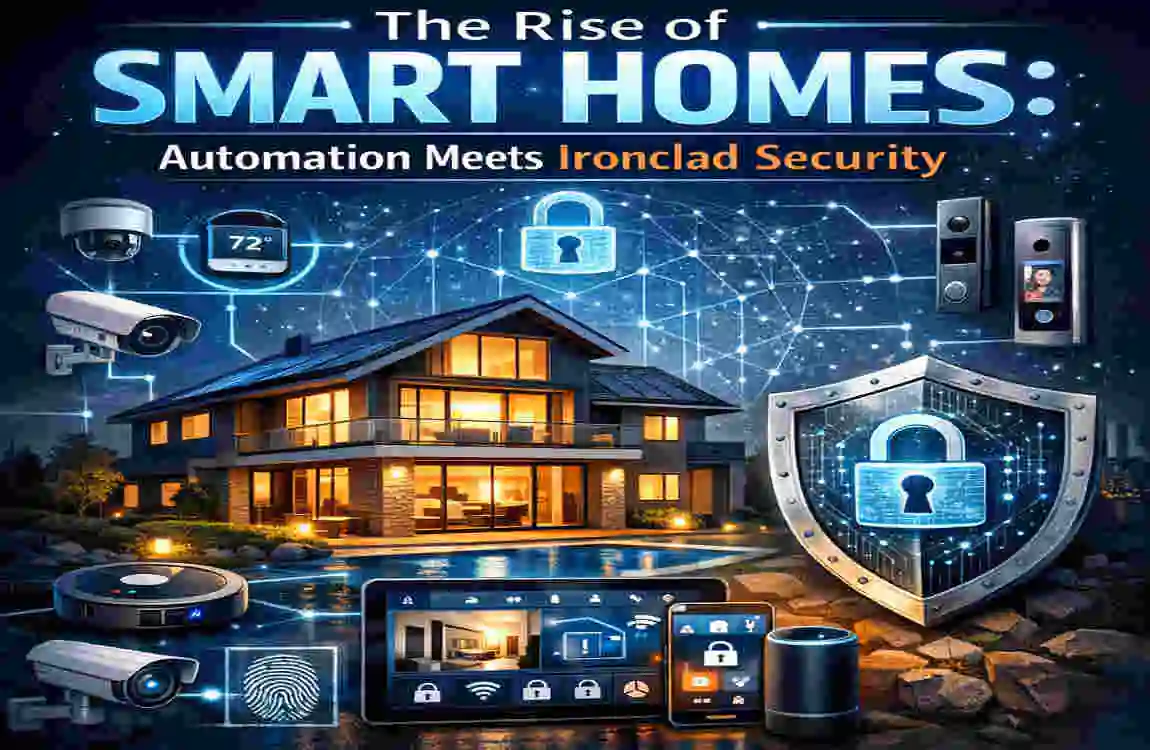
To truly appreciate the power of a modern smart house, we first need to understand the two main pieces of the puzzle: automation and security.
Home automation is all about convenience and comfort. It involves devices like smart lights that change color with your mood, thermostats that learn your schedule, and appliances that you can control with your voice. Automation makes your house work for you, saving you time and effort.
Home security, on the other hand, is about protection. This includes high-definition cameras, smart door locks, glass-break sensors, and video doorbells. Security gives you a digital guard dog that never sleeps.
In the past, these two worlds lived completely apart. You had an app for your lights and a separate, clunky wall keypad for your alarm. Today, in 2026, the biggest trend is bringing them together.
The Magic of Modern Artificial Intelligence
Artificial Intelligence, or AI, is the driving force behind this revolution. Voice assistants have evolved dramatically. Systems are now incredibly conversational and context-aware. You no longer have to bark robotic commands at your speaker. You can say, “I am going to bed,” and your house will lock the doors, turn off the lights, and arm the alarm system all at once.
We are also seeing the rise of zero-trust security in residential homes. In simple terms, zero-trust means your system assumes that no one is safe until proven otherwise. Every device, every app, and every user must constantly prove they have the right to access your network. This keeps hackers out and keeps your private life private.
The Real Benefits of a Unified System
When you succeed in integrating home automation and security seamlessly, the benefits are completely life-changing.
First, there is the unmatched convenience. You never have to wonder if you left the garage door open because your house will tell you, and then close it for you.
Second, there are massive cost savings. By automatically turning off lights in empty rooms and adjusting the heating when you leave, a well-integrated system can easily save you $500 or more a year on utility bills.
Most importantly, you gain total peace of mind. You can check on your pets from your desk at work, or let a delivery driver drop a package inside your gate while you are halfway across the world.
Avoiding the Trap of Fragmented Systems
However, building a smart home is not always perfect. The most common pitfall people face is a fragmented system.
If you buy a camera from one brand, a lock from another, and lights from a third, you might end up with a dozen different apps on your phone. These devices will not talk to each other, which creates frustrating tech headaches and major security vulnerabilities.
But do not worry. In the next few sections, we will show you exactly how to avoid this trap and build a system that works in perfect harmony.
Essential Components for Seamless Integration
To build a smart fortress, you need the right building blocks. You do not need to buy everything at once, but you do need to choose components that play nicely together. Let’s break down the essential gear you need.
Smart Hubs as the Brain of Your House
Every smart house needs a brain, and that is exactly what a smart hub is. A hub is a central device that connects all your different gadgets and translates their languages so they can communicate.
In 2026, the most important word you need to know is Matter. Matter is a universal smart home standard. Think of it as a universal translator. If a device has the Matter logo on the box, it will work with almost any major hub.
Popular choices for hubs include devices like Google Nest displays and Amazon Echo speakers. These hubs do more than play music; they act as the command center for your entire property. When you use a high-quality hub, you eliminate the lag and frustration caused by devices that don’t respond.
Essential Automation Devices
Once you have a brain, you need the muscles. These are your automation devices.
Smart lighting is usually the best place to start. Brands like Philips Hue offer incredible smart bulbs that you can dim, change colors, and schedule. You can set them to fade up in the morning to wake you gently slowly.
Next, consider a smart thermostat. Devices from companies like Ecobee or Google Nest learn your habits. They know when you leave for work and drop the temperature to save energy. Before you come home, they warm the house back up.
You can also look into smart plugs, smart blinds, and even smart robotic vacuums. The key here is always to check the box to ensure these items are compatible with your chosen main hub.
The Core Security Essentials
Now, let’s talk about the armor for your smart fortress. Your security essentials need to be robust, reliable, and secure against digital snooping.
Security cameras are the eyes of your system. Brands like Ring and Arlo offer wireless, battery-powered cameras that you can place anywhere. They send instant high-definition video to your phone if they spot someone in your yard.
Smart locks are a massive upgrade over traditional keys. Brands like Yale allow you to unlock your front door with your fingerprint, a PIN code, or simply by walking up to the door with your phone in your pocket. You can easily grant temporary access codes to guests or dog walkers and delete them later.
Finally, you need smart sensors. These are small, inexpensive devices that pack a huge punch. Door and window sensors tell your system if someone opens a window. Motion sensors detect movement in hallways.
When choosing security devices, always look for advanced encryption standards. You want your video feeds scrambled so that only you have the digital key to view them.
Step-by-Step Guide: Integrating Home Automation and Security Seamlessly
Now that you know what components you need, let’s roll up our sleeves and put them together. Building a unified system might sound complicated, but it is highly manageable if you take it one step at a time.
Assess Your House and Needs
Before you buy a single gadget, you must understand your living space. Grab a notebook and take a walk around your property.
Where are your blind spots outside? Which rooms get too cold in the winter? Do you forget to lock the back door at night? Identify the specific problems you want your smart house to solve.
Next, audit your current setup. Do you already have a smart speaker or a few smart bulbs? Write them down so you can build around them.
Finally, set a realistic budget. A great entry-level setup will cost around $1,000, while a fully integrated, premium whole-house system can reach up to $5,000. Start small if you need to; you can always add more devices later.
Choose Compatible Ecosystems
This is the most critical step for seamlessly integrating home automation and security. You must pick a primary ecosystem to run your house.
The two biggest players are Apple HomeKit and Samsung SmartThings (along with Google and Amazon). Here is a quick breakdown to help you decide:
- Apple HomeKit: Best if you already use iPhones, iPads, and Macs. It is famous for strict privacy rules and a clean, easy-to-use app. However, it supports slightly fewer devices than its competitors.
- Samsung SmartThings: Best for tech enthusiasts who want deep control. It connects to almost everything, including third-party brands, and offers incredibly detailed automation rules.
- Google Home / Amazon Alexa: Best for voice control and sheer device compatibility. They are budget-friendly and incredibly popular.
Choose one lane and stick to it. Buying devices that all share the same ecosystem is the secret to a frustration-free experience.
Install and Connect Devices
Once your boxes arrive, it is time to set things up.
You will need to decide between wired and wireless devices. Wireless cameras and sensors are fantastic because you can stick them up anywhere in five minutes without drilling holes. However, you will need to recharge their batteries every few months. Wired devices, like smart doorbells or smart light switches, require a bit of electrical work but never run out of power.
Always start your setup process using the manufacturer’s app. Follow the simple on-screen instructions to connect the device to your home Wi-Fi.
Once the device is online in its native app, immediately link it to your main smart hub (like your Apple Home or Google Home app). This brings all your controls into one single, unified dashboard.
Program Automation Rules
This step is where your house truly comes alive. Programming automation rules means telling your devices how to react to different situations.
We use a simple logic called “If-Then” rules. If this specific thing happens, then do that specific action.
Here are a few powerful examples you can set up:
- The “Goodnight” Routine: If you say “Goodnight” to your voice assistant, then the system turns off all interior lights, locks the front door, lowers the thermostat, and arms the perimeter security cameras.
- The “Welcome Home” Routine: If your smart lock opens between 5 PM and 7 PM, then turn on the hallway lights and start playing your favorite relaxing music.
- The “Intruder Alert” Routine: If the outdoor security camera detects a person after midnight, then turn on all the bright outdoor floodlights and flash the living room lights red.
If your main app does not support complex rules, you can use third-party tools like IFTTT (If This Then That) or Zapier. These act as bridges, allowing completely different brands to trigger actions in one another.
Layer on Advanced Security
Once the basics are running smoothly, you can activate the “smart fortress” mode.
Start by setting up biometrics. Many smart locks and security apps now use your face or fingerprint to grant access, ensuring that someone cannot just steal a physical key or guess a password to get into your house.
Next, activate geofencing. Geofencing creates an invisible digital boundary around your property using your smartphone’s GPS. When you drive out of this invisible fence, your house knows you have left. It can automatically lock the doors and arm the alarm. When you drive back in, it disarms the alarm and turns on the porch light before you even put your car in park.
Top Tools and Technologies
The smart home market moves fast. To get the most out of your setup this year, you should look for devices that use the latest and greatest technology. Let’s look at the standout tools for 2026.
Best Hubs and Protocols
You might hear words like Zigbee, Z-Wave, and Thread when shopping for devices. These are simply different wireless protocols that smart devices use to communicate with each other.
Wi-Fi is great, but if you have forty smart devices on your router, your internet will slow to a crawl. Zigbee and Z-Wave solve this. They create their own invisible networks separate from your Wi-Fi, keeping your internet fast and your device response times lightning-quick.
Thread is the newest language on the block in 2026. It is incredibly fast and self-healing. If one smart plug in your house breaks down, a Thread network will automatically reroute the signal to another device so your lights still turn on instantly.
AI-Powered Security
Security has received a massive brain boost this year. Modern cameras do not just record video anymore; they actively analyze it in real-time.
Facial recognition is now a standard feature in premium systems like ADT Command and Google Nest. Your doorbell camera can recognize your family members and send you a specific message, such as “Sarah is at the front door,” rather than a generic “Person detected.”
These systems also feature anomaly detection. The AI learns the normal patterns of your neighborhood. If it sees a car idling outside your house at 3 AM for twenty minutes, it knows this is unusual and will send a high-priority alert to your phone.
Budget vs. Premium Picks
Building a smart home offers flexibility for any wallet. Here is a helpful breakdown of some top tools, showing you what you can expect at different price points.
ToolKey Feature Price Range SEO Keyword Fit
Google Nest Hub Voice-controlled central security command $100 – $300 Home automation integration
Ring Alarm Pro Seamless camera and alarm automation $250+ Smart home security
Wyze Cam v4 Budget-friendly AI motion detection $35 – $50 Affordable smart security
Yale Assure Lock 2 Keyless entry with auto-lock features $150 – $250 Integrated home security.
Philips Hue Starter Kit Premium color-changing mood lighting $120 – $200 Seamless home automation
Whether you go for budget-friendly brands like Wyze or premium ecosystems like Philips Hue, always prioritize products that promise simple integration.
Overcoming Challenges in Seamless Integration
Let’s be honest with ourselves: technology is not always perfect. Even with the best plans, you might hit a few speed bumps while setting up your smart fortress. Knowing how to handle these challenges will save you hours of frustration.
Fixing Compatibility Issues
The most annoying problem you will face is bringing home a new gadget and realizing it refuses to connect to your hub. This usually happens when devices speak different wireless languages.
To fix this, look for software bridges or universal apps. As mentioned earlier, tools like IFTTT act as a fantastic middleman. Furthermore, many dedicated smart home users use the Home Assistant platform. It is free, powerful software that lets almost any device brand work together on a single dashboard. It requires a bit of technical patience to set up, but it is the ultimate cure for compatibility headaches.
Protecting Your Privacy
When you put microphones and cameras inside your private spaces, privacy becomes a massive priority. You do not want strangers peeking into your living room.
Always ensure your devices comply with strict data laws, such as GDPR. This means the manufacturer is legally bound to protect your data.
Here are three simple rules for privacy:
- Change default passwords: Never leave your camera’s password as “admin” or “12345”. Use a long, complex password.
- Enable Two-Factor Authentication (2FA): This requires a text message code in addition to your password when you log in to your smart home app.
- Use a VPN for cameras: Consider putting your security cameras on a virtual private network (VPN) or a separate guest Wi-Fi network. This isolates them, so if a hacker gains access to a camera, they cannot access your personal computer or bank details.
Scaling Your System Properly
Many people get overwhelmed when they try to automate their entire house on a Sunday afternoon. This leads to burnout and a messy setup.
The secret to a successful smart home is scalability. You should always start small. Begin with the front door: get a smart lock, a video doorbell, and one smart porch light. Master how these three items work together.
Once you are comfortable and love the results, expand to the living room, then the kitchen, and finally the bedrooms. Taking it room by room ensures your network remains stable and you do not overwhelm your internet router.
Real-World Case Studies: Houses Transformed into Smart Fortresses

Sometimes, the best way to understand the power of integrating home automation and security seamlessly is to see it in action. Let’s look at two real-world examples of how this technology changes daily lives.
Example 1: The Energy-Saving Family Home
Consider a busy family living in a large house. Summers are intensely hot, and air conditioning bills are taking a massive toll on their monthly budget.
They decided to install an integrated smart system. They connected smart thermostats to their central cooling system, installed temperature sensors in every bedroom, and added smart blinds to the windows facing the harsh afternoon sun.
They programmed a simple automation rule: When the indoor temperature hits a certain point, the smart blinds automatically lower to block the heat, and the AC kicks on just enough to cool the space. Furthermore, motion sensors ensured the AC automatically turned off if a room remained empty for more than 15 minutes.
The result? The family saw a staggering 25% reduction in their energy usage. The system paid for itself in less than 18 months, proving that smart homes are an investment, not just a luxury.
Example 2: The Urban Apartment with Remote Security
Next, look at a young professional living in a bustling city apartment. They travel frequently for business and are constantly worried about break-ins or missing important package deliveries while away.
They installed a cohesive security ecosystem featuring a smart door lock, a video doorbell, and interior cameras.
While attending a conference in another country, they received an alert on their phone. A courier was standing at the door of their apartment with a valuable package. Through the video doorbell app, the owner spoke to the courier, unlocked the door remotely to let them place the box inside the hallway, and locked it securely as soon as the door closed.
This level of remote management eliminated their travel anxiety. Their apartment remained a smart fortress, even when they were thousands of miles away.
Future-Proof Your Setup: and Beyond
Technology never stops moving. As you build your system today, it is wise to keep one eye on the horizon so your house stays cutting-edge for years to come.
Emerging technologies are about to make our houses even smarter. We are starting to see the early stages of quantum-secure encryption, which will make smart homes virtually unhackable by even the most advanced supercomputers.
We are also looking forward to Augmented Reality (AR) monitoring. Soon, you will be able to hold your smartphone up in your living room, and your screen will display floating digital icons showing the temperature, security status, and energy usage of every device in your view.
To ensure your setup lasts, perform regular maintenance. Update your device firmware through their apps once a month. Replace camera batteries before they die completely, and occasionally restart your main smart hub to clear its digital memory. A little upkeep goes a long way in maintaining seamless performance.
Frequently Asked Questions (FAQ)
Is building a smart home DIY-friendly? Absolutely. The vast majority of modern devices, such as wireless cameras and smart bulbs, require no technical skills to install. If you can use a smartphone app, you can build a smart home.
Do these systems work if the internet goes down? It depends on your setup. While you will lose remote phone access, many hubs that use Zigbee, Z-Wave, or Thread will still run your local automation rules (like motion sensors turning on lights) even without an internet connection.
Will a smart security system lower my home insurance? Yes, in many cases! Most major insurance companies offer noticeable discounts on your premiums if you install monitored smart alarms, smoke detectors, and leak sensors. Check with your provider to see how much you can save.